| Prev | ICM User's Guide 17 Working with Tables and Plots | Next |
One of the easiest ways to store, sort and display data in ICM is by the use of a table. In most cases tables are automatically created, for example, if you search for a PDB file or when you load a compound database (SDF file). It is also possible for you to create your own table. Once a table is created, ICM provides easy to use tools to sort, add, edit and plot data.
Here we will concentrate on describing the actions you can perform on a table once it has been read into ICM. We will start by describing a simple table. Actions which can be performed on chemical tables are described in the section entitled Working with Chemical Spreadsheets.
- Standard ICM Tables
- Chemical Spreadsheets
- Insert Interactive Objects into Table Cell
- Plotting Table Data
- Principal Component Analysis
- Learn and Predict
- Cluster
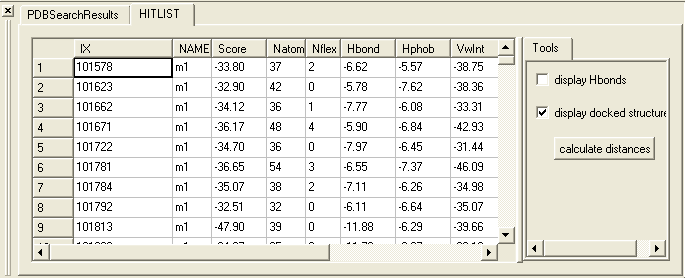
A standard ICM table:
| Prev Close Project | Home Up | Next Standard |