
MolSoft ICM Newsletter
Welcome to the November 2008 MolSoft ICM Newsletter containing information on:
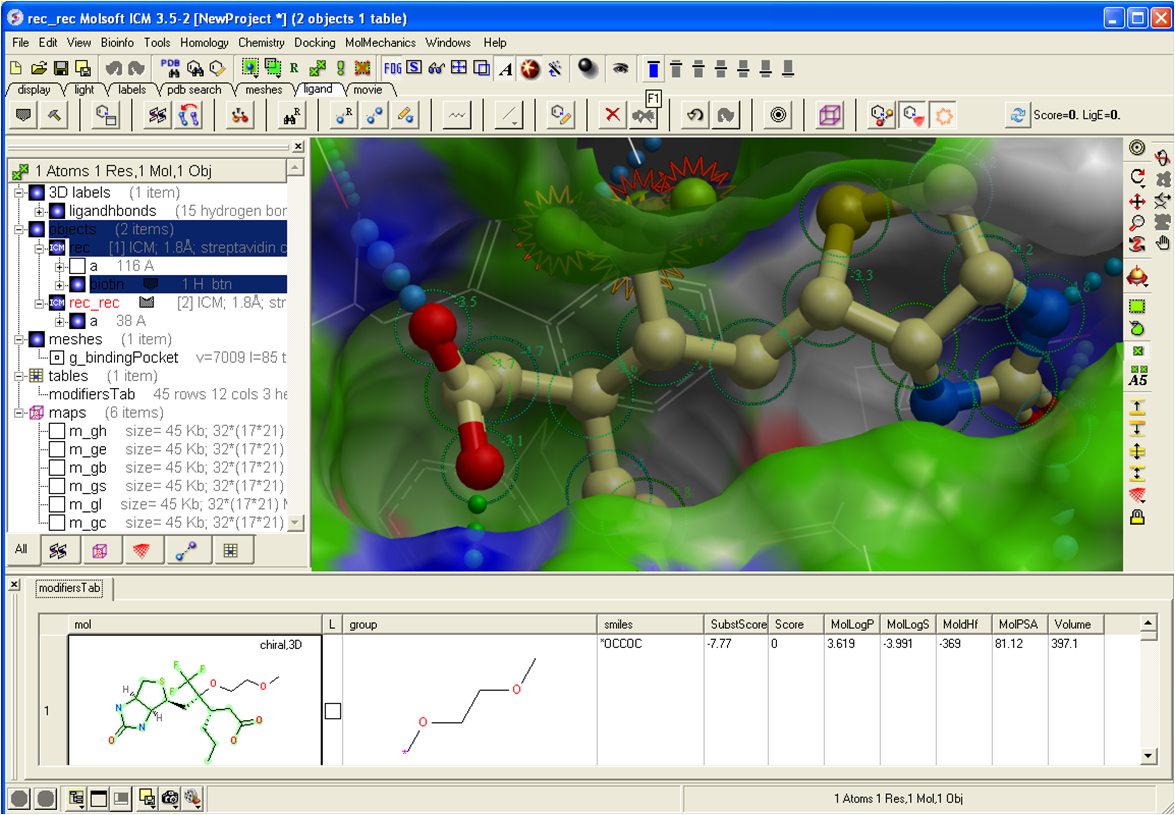 We are pleased to announce the release of two new stand alone Cheminformatics products called ICM Chemist and ICM Chemist Pro. ICM Chemist is a low cost feature-rich product for dealing with chemical structure and databases. The ICM Chemist Pro product contains all the features in ICM Chemist and gives you access to the 3D world of chemical viewing and manipuation. Some of the main features of each of the products are listed below
ICM Chemist Features
April 9-10 2009 ICM User Group Meeting.
We are looking forward to the 1st ICM User Group Meeting in April next year. The meeting schedule will include talks by experienced ICM users from around the world with an emphasis on how they have successfully used ICM and other applications for their research. MolSoft's developers and scientists will also be presenting at the meeting, so it will offer a good opportunity for you to hear about the latest ICM developments and new features. More information about how to register for the user group meeting and the speakers will be in the next newsletter.
Feb 5-6 2009 - ICM Workshop "Protein Structure and Drug Design"
October 1-2 2009 - ICM Workshop "Protein Structure and Drug Design"
More details here
 The ICM Language Manual and the ICM User Guide Manual can now be google searched. Click here to give it a try. Once you have performed a search you can refine it to only display results from the Language Manual or the User Manual. This search will soon be integrated into the online versions of the manual.
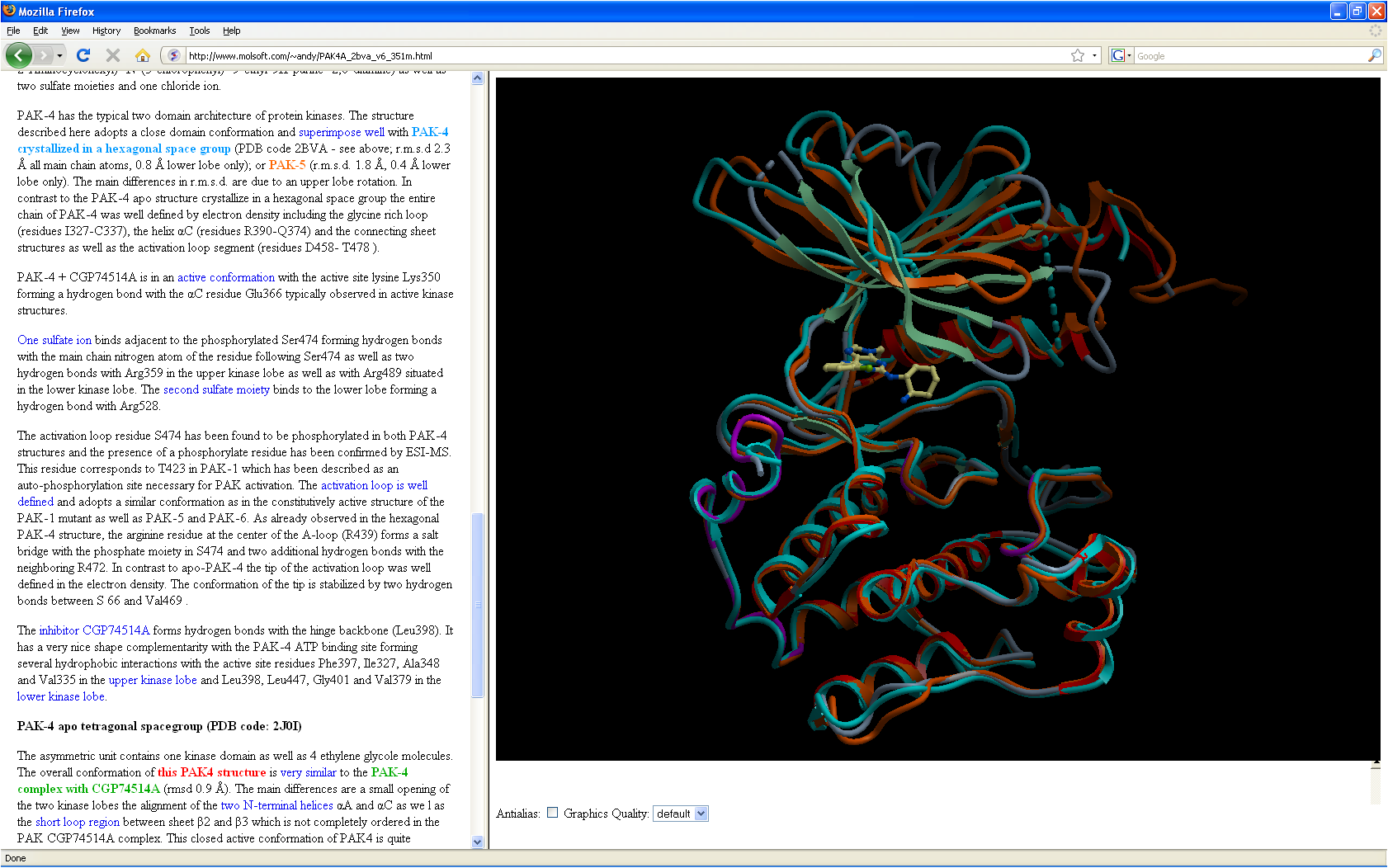 Click here to view an example of our new ActiveICM product (US Patent No:7,880,738) in action. The files used in ActiveICM can be generated using ICM Browser Pro, ICM Chemist, or ICM Pro and ActiveICM is free to customers of this product. The online example is a Structural Genomics Consortium datapack file of PAK4 kinase. Use your left mouse button to rotate the molecule, zoom in by clicking on the left hand side of the display, scroll down the text on the left hand side and click on the blue links to see different annotated views of the protein, and right click on the graphical display for more option, and right click on the graphical display for more options.
| NOTE: The demo will only work if you download ActiveICM. Click here to download ActiveICM. |
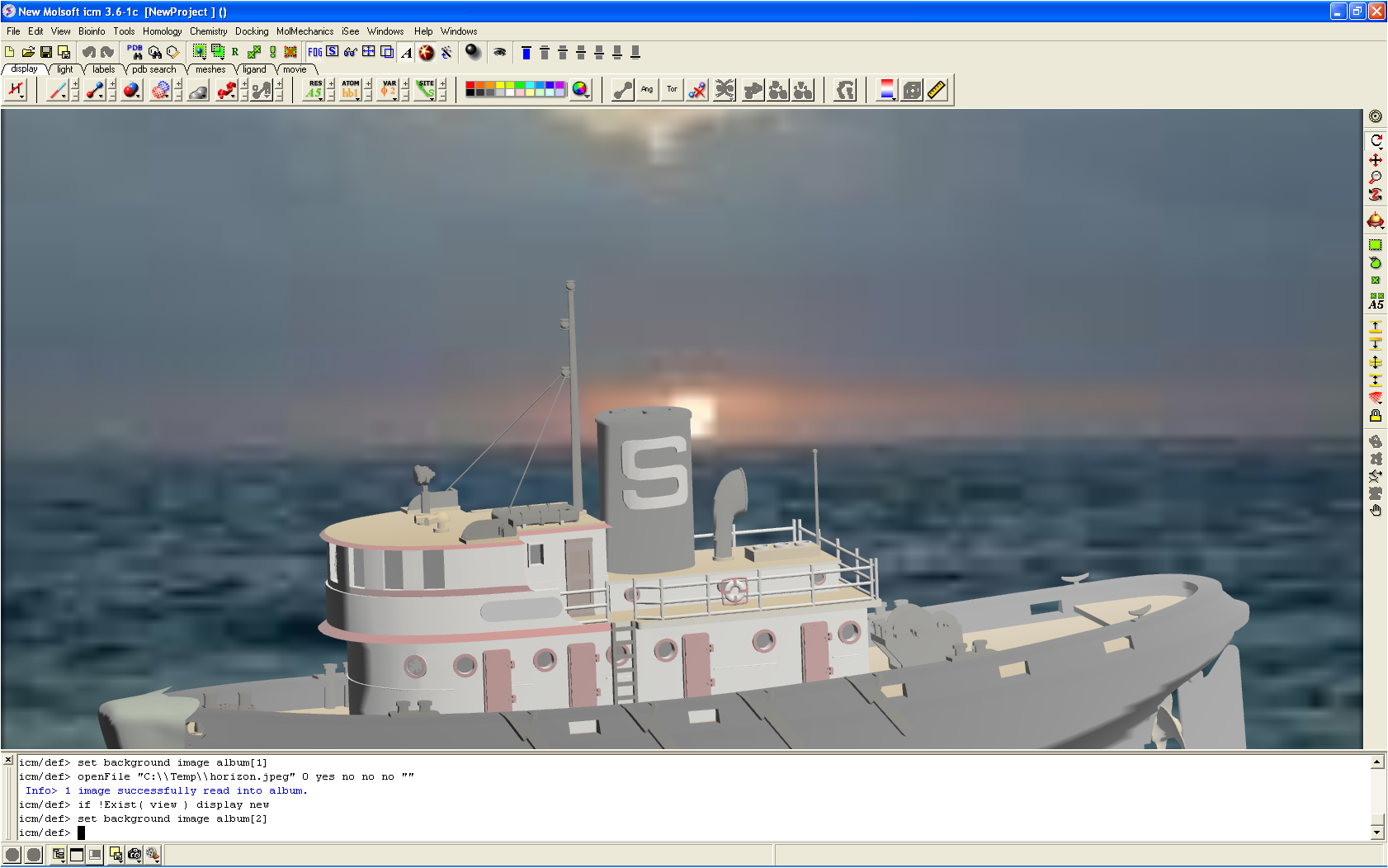 ICM now supports the 3D XML file format which is a popular 3D format for CAD. For example, Microsoft Virtual Earth uses this file format as well as CAD software companies such as Dassault Systems. There is a big online repository of 3DXML models here, models are free to download once you have registered. Once the file is downloaded, open the ICM graphical user interface, click on File/Open in ICM to bring the file into ICM and then display the file using the ICM Workspace.
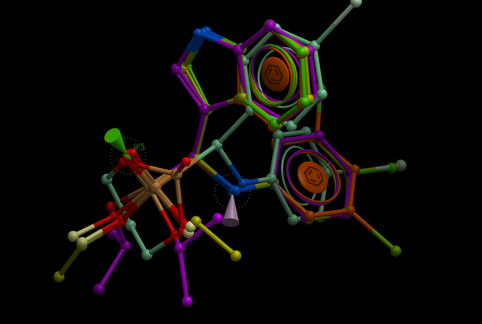
The Atomic Property Field (APF) superposition method is available in ICM Chemist Pro and the details of this method have been published this year by Dr. Maxim Totrov (Molsoft, Principal Scientist). Totrov M (2008) Atomic property fields: generalized 3D pharmacophoric potential for automated ligand superposition, pharmacophore elucidation and 3D QSAR. Chem Biol Drug Des 71: 15-27
APF is a 3D pharmacophoric potential implemented on a grid. APF can be generated from one or multiple ligands and seven properties are assigned from empiric physico-chemical components (hydrogen bond donors, acceptors, Sp2 hybridization, lipophilicity, size, electropositive/negative and charge). Click here to see how to use the APF method.
 We now have over 80 members in the ICM Discussion Forum but this only represents a very small percentage of the ICM users worldwide. Click here to join the forum today. It is free to join the forum and there are many benefits of being part of this group: you will always be the first to get to know the new ICM features, you will learn new tips and tricks in ICM, find out how others are applying the software in their research, and most importantly you will be part of a network of people who can support and advise you when you have an ICM question. Click here to join the forum today.
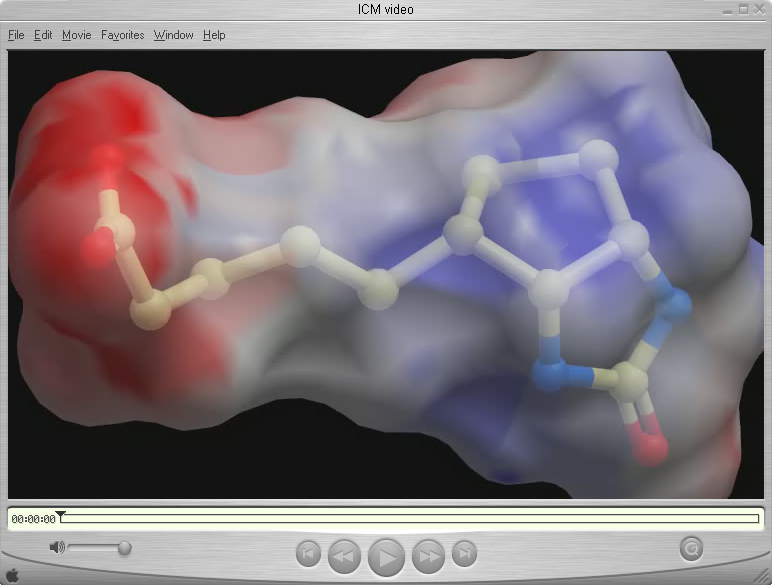 Making Molecular Movies in ICM
To make a movie in ICM all you have to do is click on the movie button located at the bottom of the graphical user interface. Any animation or view in the ICM graphical window will then be dumped into a movie file. For more instructions please click here.
© 2026 All Rights Reserved MolSoft LLC Terms of Use | Privacy Policy


