| Available in the following product(s): ICM-Chemist | ICM-Chemist-Pro | ICM-VLS |
To merge two tables:
- Read the two tables into ICM.
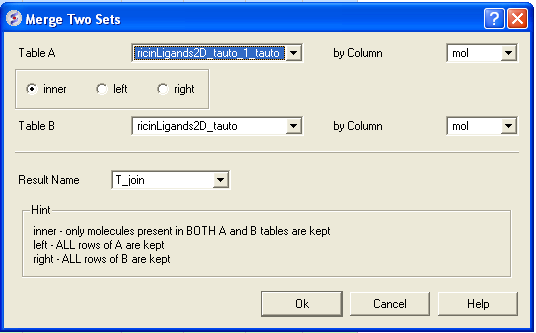
- Chemistry/Merge Two Sets
- Select the first table from the drop down list (Table A) and the column you wish to use to merge the table by.
- Select merge method 1. inner - only molecules present in BOTH A and B tables are kept; or 2. left ALL rows of A are kept ; or 3. right ALL rows of B are kept.
- Select the second table from the drop down list (Table B) and the column you wish to use to merge the table by.
- Enter a name for the output table.
- Click OK and a new table will be displayed.