How to install Scarab:
- Install MolCart on your Linux server - download from www.molsoft.com/support
- Install mysql server version (v 5.5.3) on the server.
- Install and unpack Scarab on your Windows machine (contact MolSoft to get download link).
- Click on Add Server
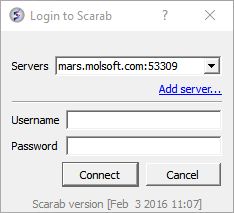
- After the package is installed , the user should install the Scarab metadata into a mysql server (where Molcart is already installed) from here (this opens from Add server... on the login to Scarab window). Click on Install scarab...
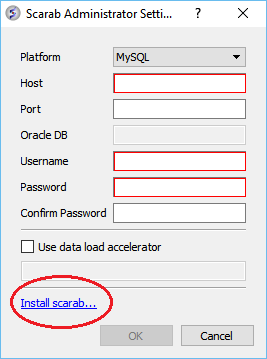
- Enter name of server.
- Leave port empty (ddefault 3306)
- Enter mysql root name and password
- Import data.