The sequence editor allows you to easily display and create sequence sites. To open the editor:
- Read in a sequence into ICM.
- Right click on the sequence in the ICM workspace and choose "Sequence Editor".
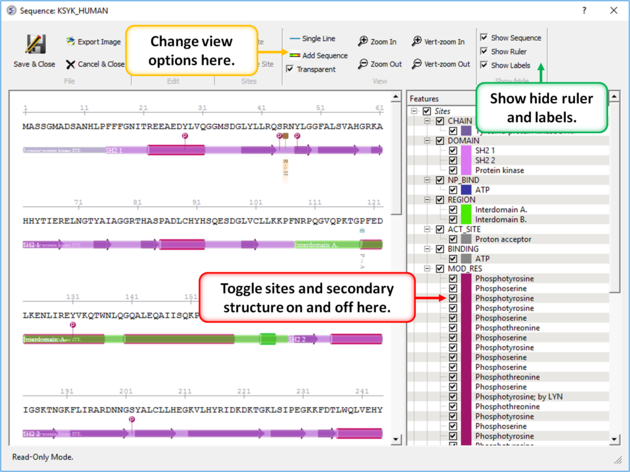
To toggle site display on and off and change view options:
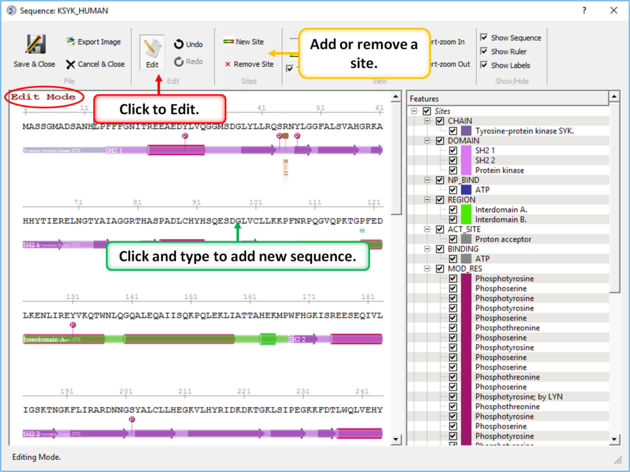
To edit a sequence or site:
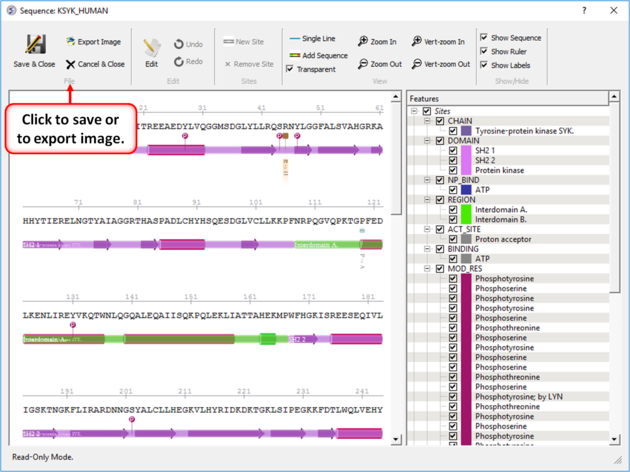
To save your changes or export an image: