| Available in the following product(s): ICM-Browser | ICM-Browser-Pro | ICM-Pro |
Click and hold on the stereo hardware button (see image below).
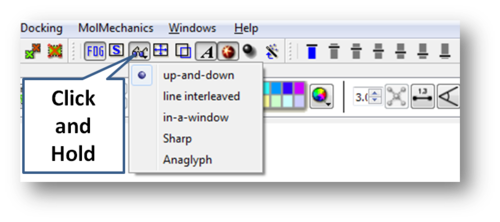
There are 5 different options available which are described here http://molsoft.com/man/icm-table.html#GRAPHICS.stereoMode .
- up-and-down
- line interleaved
- in-a-window
- Sharp
- Anaglyph
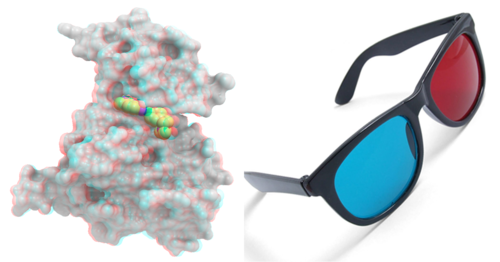
The Anaglyph option is the easiest to used with inexpensive 3D glasses and without any expensive 3D compatible hardware or monitors.
The 3D effect is better with a lighter background.