[ Distance Atoms | Planar Angle | Dihedral Angle | Delete Label ]
| Available in the following product(s): ICM-Browser | ICM-Browser-Pro | ICM-Pro |
- Click on the Display tab
- Click on the Distance between two atoms button shown below.
- Click on the atoms you wish to measure.
- Distance will be displayed in the graphical display. You can turn this on and off in the ICM Workspace panel under the heading 3D labels.
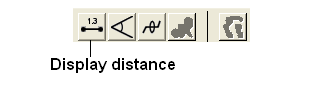
- Select the display tab.
- Select three atoms.
- Select the button shown below.
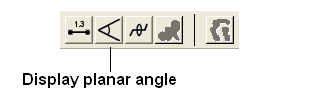
- Select the display tab.
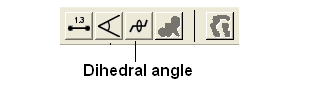
- Select four atoms.
- Select the button shown below.
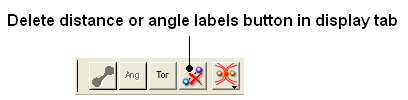
To delete distance or angle labels
- Select the display tab.
- Select the delete distance or angle label button shown below.