| Prev | ICM User's Guide 6 Molecular Graphics | Next |
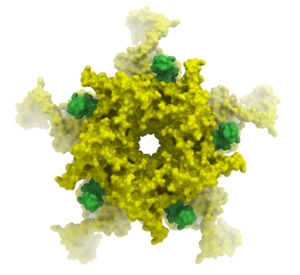 In this chapter we describe how to make beautiful graphical representations of molecules and manipulate them in the 3D graphics window. This includes how to change color, light, represenations, clipping planes, and how to use built in graphics effects. We also teach how to label and annotate molecules displayed in the graphical user interface.
Chapter Contents:
- Molecule Representation
- Meshes-Surface-Grobs
- Coloring
- Lighting
- Labeling and Annotation
- Display Distances and Angles
- Graphics Effects
- Graphics Shortcuts
- Molecule Move Buttons
- Clipping Tools
- Graphic Layers
- High Quality Publication Images
- Movies
| Prev Scan Pockets | Home Up | Next Molecule Represenations |